As an Amazon Associate, we earn from qualifying purchases. Some links on this site are affiliate links at no extra cost to you. Our recommendations are based on thorough research and editorial judgment.

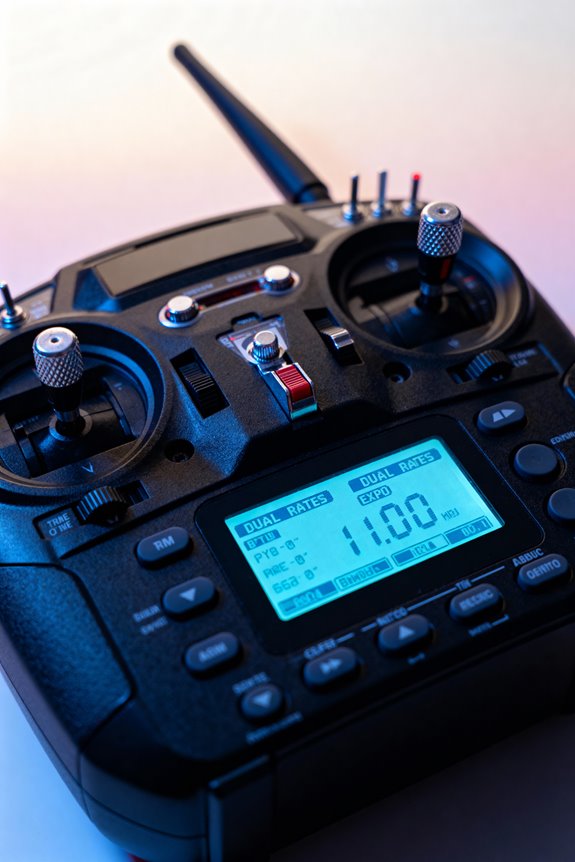
How To Set Up Dual Rates And Expo On Your Transmitter

To set up dual rates and expo on your transmitter, start by selecting a compatible device, such as Spektrum NX or DX series. Assign a three-position switch for different rate levels: high at 100%, medium around 85%, and low at 70%. Input positive expo values between +5% to +15% for smoother responses. Test the settings in flight for ideal control, ensuring adjustments match flying styles. For a deeper understanding of fine-tuning rates, continue exploring the following sections.
Key Takeaways
- Access the Dual Rate and Expo setup in your transmitter menu and assign a dedicated switch for rate adjustments during flight.
- Set high dual rates at 100% and lower rates around 70% and 85% based on your skill level and flying style.
- Input positive expo values ranging from +5% to +15% to enhance control responsiveness and manage smoother maneuvers.
- Test adjustments by toggling switch positions to confirm responsiveness of control surfaces after setup.
- Regularly calibrate and maintain your settings, ensuring alignment between transmitter inputs and aircraft responses for optimal performance.
Overview of Dual Rates and Expo Functions
You may be interested
In the domain of RC flying, understanding dual rates and exponential (expo) functions is essential for enhancing control over an aircraft’s movements. Dual rates allow pilots to limit servo movement independently for each axis—ailerons, elevators, and rudders—by toggling settings during different flight phases. This is particularly beneficial during takeoff and landing in application scenarios where stability is critical. Misconceptions often arise regarding their use, with some believing they reduce overall control.
Meanwhile, expo modifies the servo response for smoother control, making it easier to handle sensitive aircraft. By reducing sensitivity near the center stick position, pilots gain finer control without sacrificing maximum throw. Together, these functions elevate flying experiences, promoting safety and confidence for all RC pilots. Understanding safety features in back massagers can also enhance user experience and ensure secure handling in various situations.
Hardware and Tools Needed for Setup

A variety of hardware and tools are essential for successfully setting up dual rates and expo on a transmitter. First, verify transmitter compatibility by choosing modern models like Spektrum NX and DX series, which offer dual rate functions. Dedicated switches enable seamless rate adjustments during flight without programming challenges.
Next, confirm that servo outputs are correctly assigned to control surfaces for peak performance. Reliable power sources and antennas enhance signal transmission, allowing adjustments to work effectively. Consider using companion software or simulators to fine-tune settings. These tools help visualize adjustments without risking models. Finally, calibration tools guarantee accuracy, centering sticks and trims for better control. Having the right hardware fosters a sense of community and confidence among hobbyists. Additionally, utilizing massage guns can aid in muscle recovery, enhancing overall performance during flight-related activities.
Recommended Products
A signature confirmation is required upon delivery of this item. The delivery personnel may ask for verification with a photo id as well. Shipping to addresses where an adult is available to sign for the package is highly recommended to avoid any potentials delays.

This package is a curated bundle of popular items frequently purchased together. It is not a complete, all-in-one solution. Depending on your specific setup, additional items or accessories may be required. Please review the included components carefully before purchasing.

20,000ft 1080p/60fps Transmission - DJI Video Receiver adopts O3 Pro image transmission technology, providing a 20,000ft (6 km) range, 50Mbps bitrate, and 16-bit 48kHz real-time audio monitoring.
Step-by-Step Setup Process
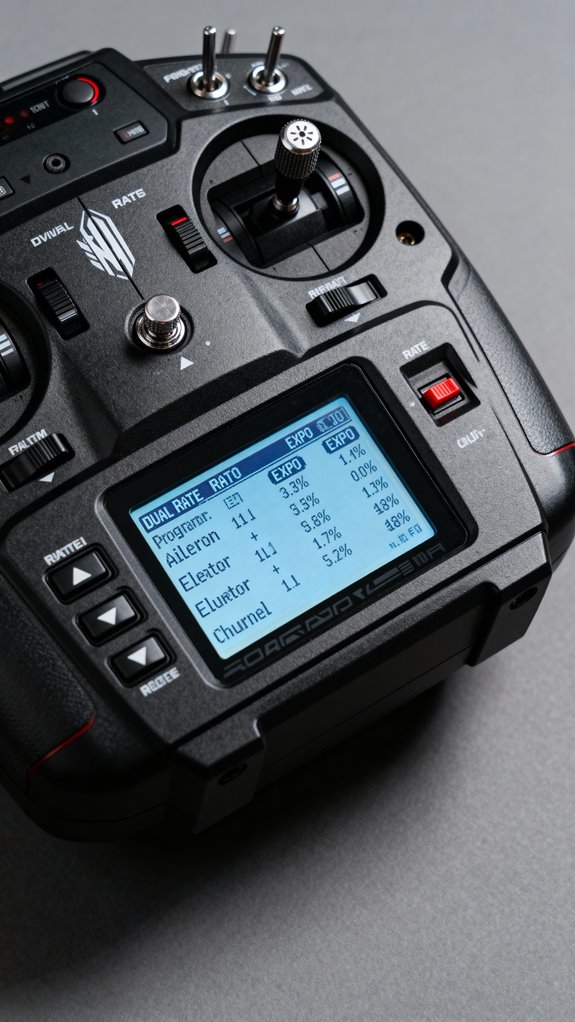
Setting up dual rates and expo on a transmitter is crucial for enhancing precision in flight control and adapting to various flying styles. First, the user should navigate to the main menu, accessing the Dual Rate and Expo setup.
- Understanding Dual Rates: Select a control surface channel and assign a three-position switch for low, medium, and high settings.
- Entering Dual Rate Percentages: Set high rates to 100%, with low and medium at approximately 70% and 85%, respectively.
- Adjusting Expo: Input positive expo from +5% to +15% for smoother responses. This setup process is similar to customizing heat levels in a 3-in-1 back massager for personalized comfort.
Finally, verify the setup by toggling between switch positions and confirm that control surfaces respond as intended. This structured approach guarantees a reliable and enjoyable flying experience.
Recommended Products
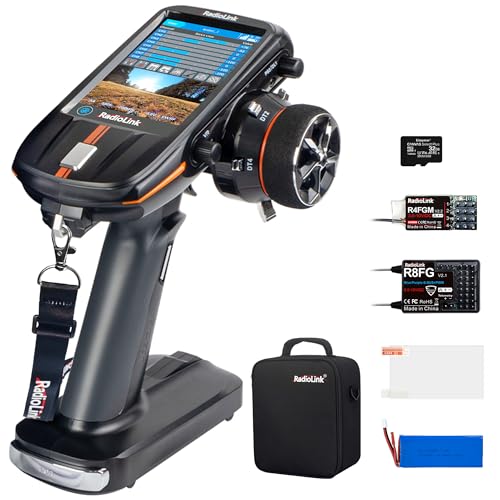
【One Screen, Dual Use】:Full-color, 4.3 inch touchscreen, sroll handy whitout lag. Easily navigate menus and customize screen background colors to your preference. The Screen also can be use as FPV display when connected 5.8G image transmission system.

【4.3 Inches Full Color IPS Touch Screen】4.3 Inches 800*480 full-color IPS touch screen, fast scroll without lag, which makes RC8X transmitter run smoothly like smartphones, provides you with the freest RC Experience! Besides, the screen can be used for parameter setup and FPV display at the same time when an external 5.8G receiver module is connected, easily realize dual use on one screen.
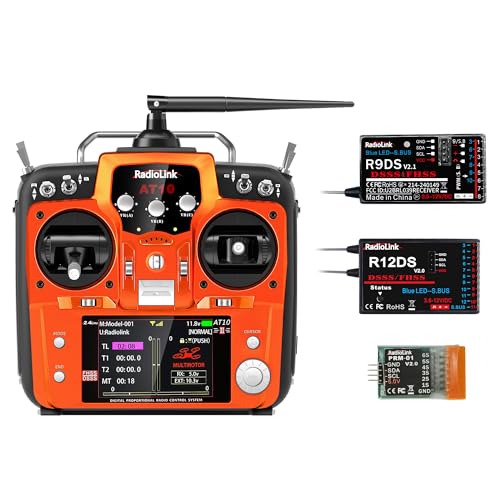
Anti-interference - Radiolink AT10II with the technology of DSSS&FHSS hybrid dual spread spectrum, not only increase the control distance and anti-interference ability but also ensures multiplayer competing at the same time and reduces mutual interference.
Best Practices for Dual Rate and Expo Values

Understanding the right dual rate and expo values is pivotal for optimizing flying experiences, especially for newcomers.
Beginner Settings
- Dual Rates: Start around 60-75% to reduce control surface movement and create safer responses.
- Expo: Use 20-30% to smooth out stick sensitivity, aiding fine control during stable flight. Additionally, consider incorporating safety features from your transmitter to prevent accidental inputs.
Advanced Techniques
- Gradually adjust settings based on personal skill and aircraft responsiveness.
- Identify suitable dual rates for different control surfaces: Aileron (60% D/R, 30% Expo), Pitch (100% D/R, 30% Expo), Rudder (80% D/R, 10% Expo).
Utilizing Switches and Flight Modes Effectively
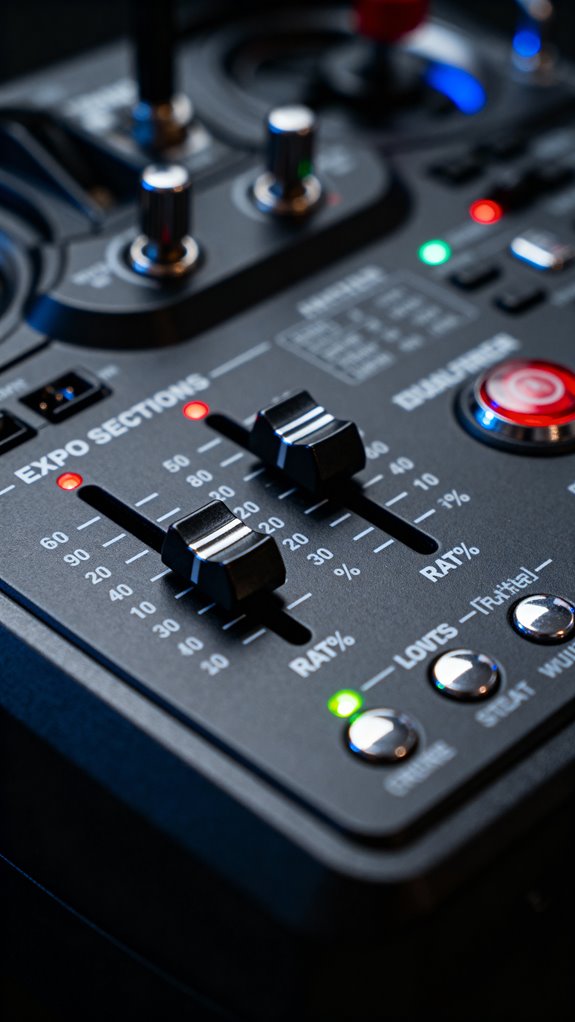
When pilots utilize switches and flight modes effectively, they gain enhanced control over their RC aircraft, making it possible to adapt to various flying conditions and personal preferences.
Flight Mode Configurations
Assigning up to six flight modes to a single channel allows easy toggling via switch positioning. Each switch position can correspond to a specific mode, such as STABILISE or Return to Launch.
Combining Switches
Using logical switches, pilots can create more than three modes. This approach enables up to ten distinct flight modes, providing fine-tuned control without additional hardware.
Safety and Convenience
One switch should default to a stable mode, ensuring safety. Fast access to critical functions enhances pilot confidence, making it easier to navigate different flight phases and potential emergencies. Additionally, incorporating safety features like auto shut-off ensures a smoother and more secure flying experience.
Troubleshooting and Fine-Tuning Tips
Troubleshooting and fine-tuning are vital elements in achieving ideal performance for any RC aircraft. Pilots must identify and correct control surface over-sensitivity. Reducing dual rates lowers control throw, providing smoother handling. Positive expo settings soften initial stick inputs, preventing twitchiness during landings.
Addressing control surface lag is significant. Confirm the servo linkages are free from binding before adjusting electronic settings. Moderate expo can prevent sharp inputs that the servos can’t manage, eliminating perceived delays. Additionally, consider the battery life of your transmitter, as it can impact the responsiveness of your controls during flight.
Finally, balance rate and expo settings across all control surfaces. Individual adjustments optimize control sensitivity, leading to better responsiveness. Testing these adjustments during flight will help refine the setup, promoting precision and enhancing overall servo performance.
Understanding Dual Rate Settings
Dual rates serve as an essential tool in the domain of remote control (RC) vehicles, greatly enhancing a pilot’s ability to tailor their control inputs. This feature limits maximum servo travel, offering various practical applications across different vehicles, such as airplanes, helicopters, and cars.
- Beginners can use low dual rates to foster smoother control, while experienced pilots might switch to high rates for agility.
- In impact analysis, adjusting dual rates reduces over-control risk during flight or racing, enhancing safety and confidence.
Implementing dual rates allows pilots to adapt responsiveness to specific conditions, ensuring an enjoyable and effective flying or driving experience. By strategically managing control sensitivity, users can enjoy personalized settings that foster both skill development and vehicle longevity.
Importance of Expo for Smooth Control
Precision in control is paramount for any successful RC pilot, and expo settings play an essential role in achieving that smooth responsiveness.
Benefits of Expo
- Reduced Sensitivity: Expo softens response near the stick center, allowing finer control during delicate maneuvers, making it ideal for beginners.
- Smooth Control Inputs: A nonlinear stick-to-servo curve enhances control shifts, minimizing jerkiness in tasks like hovering.
Control Authority
– Full Stick Deflection: Despite the reduced center sensitivity, full travel remains available, ensuring pilots maintain control authority for aggressive maneuvers.
How to Select the Right Rates and Expo Values
How can one determine the most suitable rates and expo values for their transmitter? Selecting the right settings involves understanding your flying style and aircraft characteristics.
Recommended Products

✅ Real-Time RI Drone Detection: Instantly detects drones using remote ID radio frequency (RI) signals – even when drones aren’t visible
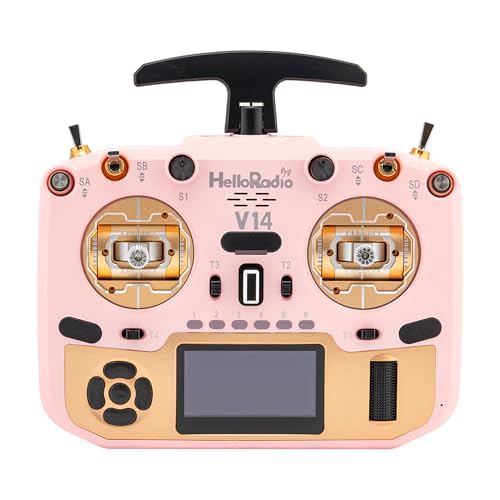
🎮 Precision CNC Hall Sensor Gimbals 🎮 Enjoy buttery-smooth control with aircraft-grade CNC Hall effect gimbals, offering enhanced durability, ultra-fine stick resolution, and responsive movement. Designed for pro-level accuracy in high-speed FPV drone flying.
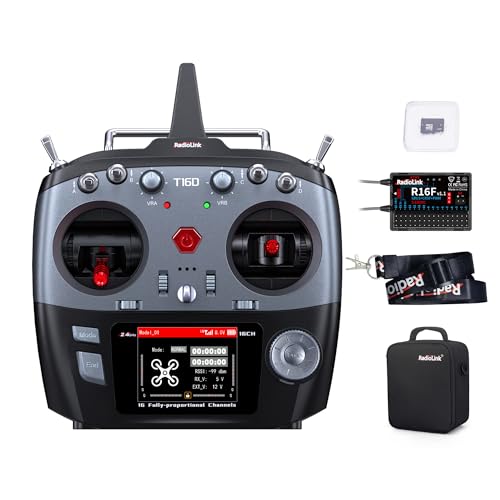
【Excellent Anti-interference】Excellent anti-interference performance and stable transmission make the T16D radio control range up to 2.5 miles(4km). All 16 channels of T16D with 3ms fast response.
Choosing Expo
- Start with a moderate positive Expo of +10% on high rates. This reduces twitchiness while conserving full control authority.
- For low rates, consider a lower Expo, around +5%, to enhance precision without dulling responsiveness.
Fine Tuning Rates
- Set high rates near 100% for robust agility during demanding maneuvers.
- Use low rates between 70% and 85% to allow smoother control for delicate tasks like hovering.
Enhancing Accuracy With Proper Calibration
Achieving peak flight performance hinges not only on selecting the right rates and expo values but also on confirming proper calibration of the transmitter and drone systems. Calibration techniques are crucial for aligning transmitter control inputs with the drone’s actual response. Accurate sensor alignment prevents issues like drifting or delayed responses, enhancing overall flying precision.
To effectively calibrate, follow these steps:
- IMU Calibration: Place the drone in various orientations to accurately capture inertial data.
- Compass Calibration: Perform figure-eight rotations to eliminate magnetic interference.
- Radio Control Calibration: Match stick positions with expected commands to confirm accuracy.
Regularly recalibrate, especially after firmware updates or hardware changes, to maintain stable and consistent flight performance.
Adjusting Rates for Different Flight Styles
Adjusting rates for different flight styles requires careful consideration of control sensitivity and responsiveness.
Beginner Adjustments
New pilots benefit from reduced rates, limiting movement to about 50%. This setting fosters smooth control, vital for precision maneuvers and enhances flight safety.
Advanced Techniques
Experienced pilots often prefer higher rates, around 100%, to guarantee full control authority during aerobatics. This flexibility allows for rapid switch configurations, catering to various sensitivity preferences.
Pilot Feedback
Style comparisons are essential for tailoring adjustments. Pilots can gather feedback from their own experiences and fine-tune dual rates across ailerons, elevators, and rudders, balancing maneuver precision with risk management.
Setting proper rates not only improves control but also enriches the flying experience, cultivating community among pilots committed to honing their skills.
Recommended Products

An officially-licensed* replica of the world’s fastest and highest-flying manned aircraft that offers a flying experience unlike any other model

Ideal for every skill level: This RC plane is perfect for beginners, intermediate flyers, and seasoned pros alike. With three levels of flight control assistance, you can start off easy and stable, gain more control as you progress, and eventually enjoy full manual control for ultimate freedom in the sky. Build confidence, master new skills, and show off your flying expertise with this versatile and exciting aircraft.

【Plug-And-Play】: Almost to fly accessories in the box, only few minutes to assemble. You can use the transmitter of your choice and install the receiver which support SBUS or PPM on it, like Radiolink, Spektrum, Frsky, Flysky, RadioMaster.
Using Multiple Flight Modes for Versatility
While adjusting rates provides foundational control tailored to individual flying styles, using multiple flight modes elevates versatility in the air. Flight mode adaptability is key, allowing pilots to toggle effortlessly between settings to suit various conditions.
- Configuration Options: Commonly, modes are assigned to switches, expanding choices to six modes with simple combinations.
- Functionality: Different modes serve specific purposes; from manual to fully autonomous control, enhancing safety and performance.
The convenience of switching modes on-the-fly empowers pilots to adapt quickly. For instance, beginners can fly in stabilized modes, while experienced fliers can access agile modes for thrilling maneuvers. This level of customization fosters a sense of belonging in the flying community, supporting various skill levels and ambitions without the need for new hardware.
Recommended Products

Realistic BELL-412 Scale RC Helicopter: 470-class military helicopter with quick detachable propellers, ACE flight controller and GPS positioning delivers stable, true-to-life flying experience for advanced RC enthusiasts
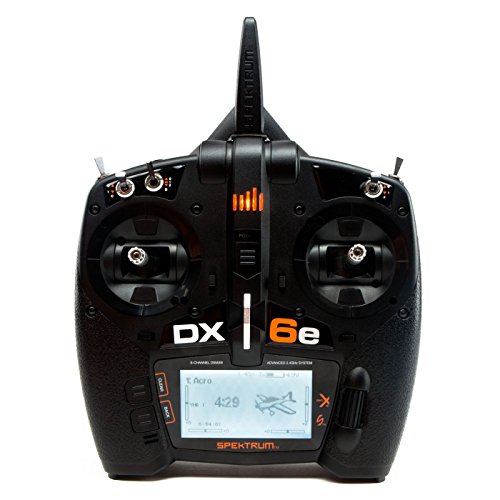
Equipped with RC Airplane, Helicopter, Sailplane and Multirotor programming and 250-model memory capacity
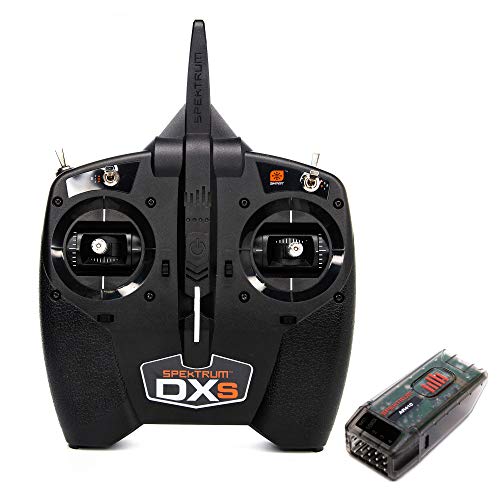
Supports Spektrum Smart Technology for Smart ESC and Smart LiPo battery telemetry
Regular Maintenance of Dual Rates and Expo Settings
Regular maintenance of dual rates and expo settings is essential for ideal flying experiences. Routine inspections of the dual rate switch functionality should occur before each flight session, ensuring smooth shifts between rates. Pilots must verify expo settings for each control surface—ailerons, elevator, and rudder—maintaining the desired responsiveness.
Adjustment logs serve as essential documentation, detailing any changes alongside observed flight behavior. Following repairs or seasonal shifts, calibration of rates and expo becomes critical for control precision. Utilizing model memory profiles fosters consistency across aircraft, allowing quick restoration of preferred settings. Enthusiastic flyers also benefit from checking for firmware updates, maintaining peak performance. By diligently adhering to these practices, pilots cultivate a trusted system that supports their passion for flying.
Frequently Asked Questions
Can Dual Rates and Expo Settings Be Adjusted Mid-Flight?
Yes, mid-flight adjustments for dual rates and expo settings are possible, depending on transmitter capabilities. This flexibility enhances pilot control, allowing seamless shifts between stable and aggressive flying, fostering a deeper connection with the aircraft and flying experience.
How Do Dual Rates and Expo Affect Battery Life?
Dual rates and expo enhance battery performance by limiting servo travel and smoothing inputs, promoting flight efficiency. These adjustments minimize unnecessary energy consumption, ultimately contributing to longer flight times and better overall pilot experience.
Is There a Universal Dual Rate and Expo Setting Across All Models?
No universal dual rate and expo settings exist, leaving pilots to navigate model variability. Each setup demands personal testing and adjustments, creating a unique experience that fosters a sense of belonging within the flight community.
Can I Reset Dual Rate and Expo Settings to Factory Defaults?
Yes, resetting dual rate and expo settings to factory defaults is possible on most transmitters. This process restores settings, ensuring consistent performance and facilitating a fresh start for users to optimize their control preferences together.
How Often Should I Recalibrate Dual Rates and Expo Settings?
Recalibrating dual rates and expo settings should occur frequently, especially during early training, post-environmental changes, or after hardware updates. Regular setting evaluations guarantee peak performance and enhance pilots’ connection to their aircraft’s handling characteristics.


